
Connecting a medical alert watch to a monitoring platform requires more than sending an SOS message to an API endpoint. The device, interface and platform must share definitions for event identity, timestamps, delivery status, location, voice activity, device condition and final disposition. Otherwise, a successful API request may still leave the monitoring service unable to identify or reconcile the incident.
This checklist is for telecare platforms, monitoring centers, systems integrators and connected-care product teams defining a watch-to-platform interface. It focuses on the technical event contract and pre-rollout testing; clinical-system integration and local compliance requirements need separate specifications.
Map the Complete Integration Path
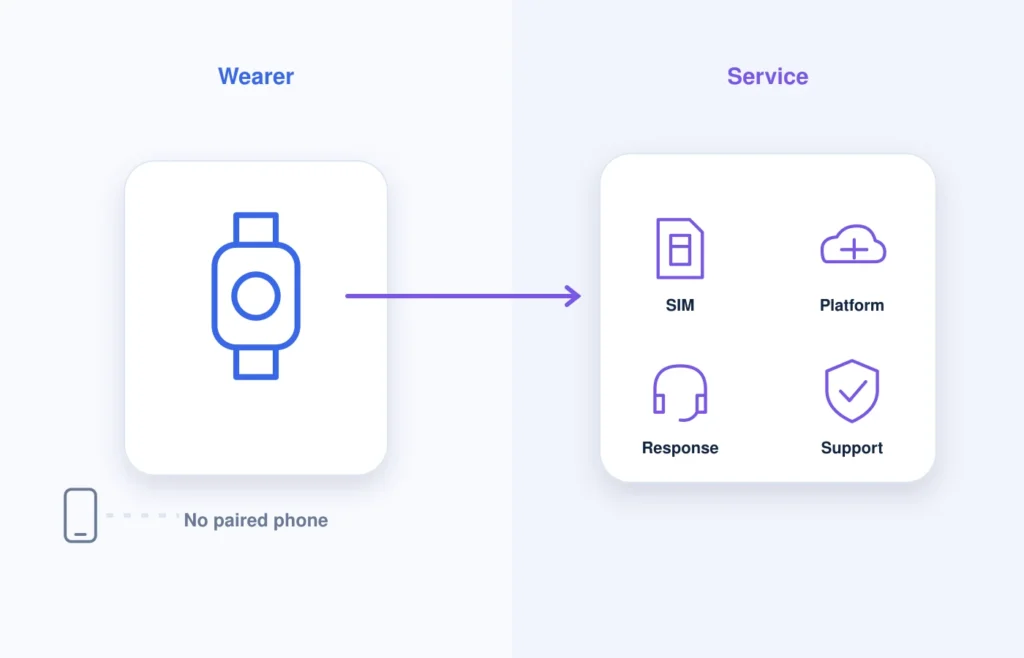
Start with the full route an event must cross:
Wearer → watch → network → device cloud or interface → monitoring platform → operator or responder
Each handoff needs a technical owner, expected output and failure route.
| Layer | Typical owner | Required output |
| Watch behavior | Device or firmware supplier | Local event, wearer feedback and transmission attempt |
| Connectivity | Carrier, SIM provider or service provider | Network registration and transport result |
| Device cloud or interface | Device or integration supplier | Normalized event, status and delivery result |
| Monitoring platform | Platform operator | Queue item, technical receipt and audit state |
| Response workflow | Monitoring or care organization | Approved human action and disposition |
Before development begins, define who operates the SIM, cloud, adapter, operator queue and voice route, and who investigates incomplete end-to-end results.
Approve the Event Catalogue Before Designing Endpoints
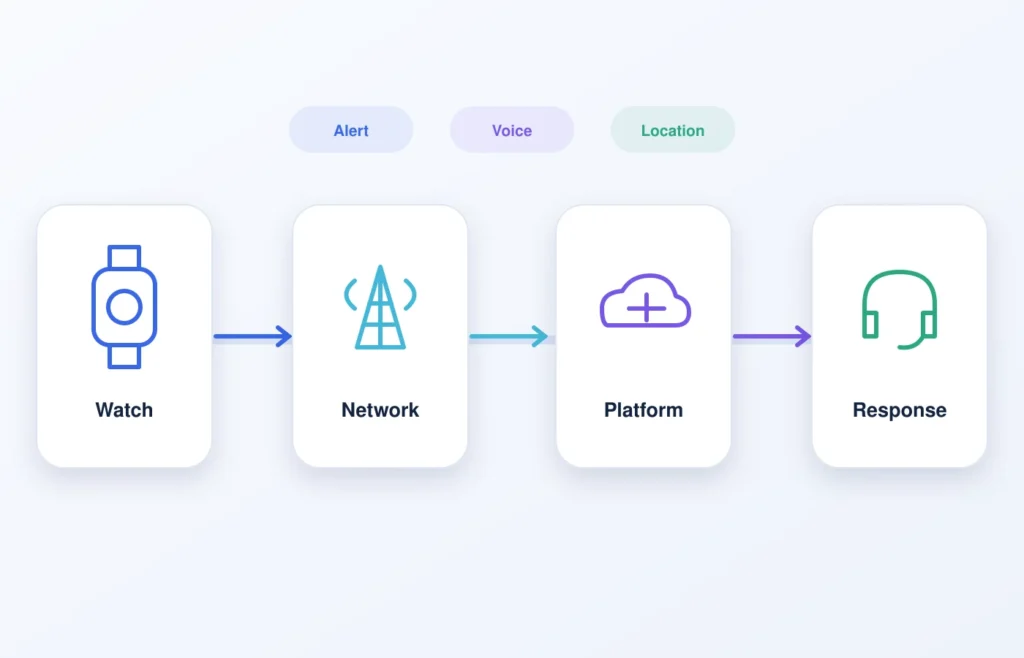
The event catalogue defines what the interface must represent. Agree on it before finalizing payload fields, webhooks or endpoint paths.
| Candidate event | Main integration question | Configuration boundary |
| Manual SOS | Which queue receives the event? | Required for the proposed service |
| Suspected fall | Is the event provisional until confirmed or canceled? | Model- and firmware-dependent |
| Fall confirmed or canceled | Does it update the original event or create a related event? | Project-specific |
| Low battery | Is this telemetry, a maintenance task or an alert? | Threshold and reporting method vary |
| Device offline or online | Which rule determines the status change? | Requires an agreed status rule |
| Location update | Is the result current, stale, pending or unavailable? | Source and interval vary |
| Geofence event | Which rule and zone version produced the event? | Optional capability |
| Restart or fault | How is an active event reconciled after recovery? | Model- and interface-dependent |
| Firmware or configuration status | Can the platform identify the deployed state? | Depends on management scope |
For every included event, define its trigger, event code, priority, required context, update or cancellation rules, platform-visible states and responsible workflow. A generic event list does not prove that every watch model, firmware build or interface exposes the same events.
Define the Minimum Alert Payload
The payload should contain enough information to route, interpret and audit an event without collecting unrelated personal or clinical data.
| Field | Purpose | Requirement |
| Unique event ID | Correlate deliveries and updates | Required; stable across retries |
| Device ID | Identify the sending endpoint | Required |
| Tenant or program ID | Route the event correctly | Required in multi-tenant systems |
| Pseudonymous user or service ID | Associate approved service context | As required |
| Event type and source | Explain what occurred | Required |
| Device-created time | Record when the device created the event | Required |
| Server-received time | Record when a trusted remote system received it | Required |
| Sequence or event version | Order changes to the same event | Recommended |
| Battery and charging state | Add relevant device context | Conditional |
| Connectivity state | Explain transport conditions | Conditional |
| Location status and source | Prevent false certainty about position | Required when location is used |
| Coordinates and location time | Provide a position where available | Conditional |
| Accuracy or uncertainty | Qualify the location result | Conditional |
| Firmware and configuration version | Support diagnosis and compatibility checks | Recommended |
| Confirmation or cancellation state | Update an active incident | Conditional |
| Voice correlation ID | Link related voice and data activity | Conditional |
These are design requirements, not the schema of a current WearIntell production API. Every field must be mapped to the selected watch, firmware, cloud service and monitoring platform. Do not add health measurements unless the service purpose, access controls and retention policy are defined.
A configurable medical alert watch may support SOS, voice, location, device status and platform connection depending on the selected model and project configuration. Exact fields, protocols and update behavior must be confirmed during integration planning.
Use Explicit Event States
The interface must separate technical delivery from operational responsibility.
| State | Meaning | Allowed owner |
| Created | The watch recognized a valid trigger | Device or trusted device service |
| Queued or transmitted | A delivery attempt began | Device or interface layer |
| Received | A remote technical system accepted the event | Device cloud or monitoring platform |
| Acknowledged | An authorized person or workflow accepted responsibility | Monitoring platform or service user |
| Assigned or responding | The defined response action began | Monitoring or care organization |
| Closed | An authorized owner recorded final disposition | Service owner |
| Canceled | A valid cancellation rule was met | Wearer, device or authorized user |
| Failed or unresolved | The workflow did not reach the required outcome | Platform or service according to policy |
Each state should have a defined code, owner, timestamp and permitted transitions. A technical receipt must never be treated automatically as human acknowledgement or completed response.
Detailed contact order and no-answer escalation belong to the service workflow. The platform interface only needs to expose the states required by that workflow. See the separate guide to smart watch SOS no-answer and escalation handling for those operational rules.
Design for Retries, Duplicates and Event Ordering
Mobile connectivity can produce delayed, repeated or out-of-order deliveries. The receiving interface should therefore be idempotent: processing the same event again should not create another active incident unless the approved event definition requires one.
Define:
- which failures permit a retry;
- where undelivered events are queued;
- retry timing and limits;
- how duplicates are recognized and logged;
- how updates are ordered or versioned;
- what happens when cancellation arrives before an earlier alert copy;
- how repeated SOS presses affect an active event; and
- how device and platform states reconcile after reconnection.
Use a stable event ID across retries. If the event can change, include a sequence number, version or another documented ordering mechanism. Server receipt time can help reconstruct delivery, but it should not replace device-created time or event version.
Retry timing must be confirmed for the selected device, network, backend and service policy rather than copied from a generic implementation guide.
Keep Alert, Location and Voice Results Separate
Alert data, location acquisition and voice calling may use different technical paths. The interface should expose separate status, timestamp and source fields for each channel.
Where supported, a correlation ID can link voice or later location updates to the original alert without merging their meanings. A connected call is not automatically an acknowledgement, and unavailable current location should not block the alert. Any last-known position should show its time and uncertainty.
Include Only Device Status Needed for Alert Operations
The monitoring platform needs enough device context to interpret an event and investigate delivery problems. Depending on product support, this may include:
- online or offline state and last contact;
- battery and charging state;
- network registration or connectivity state;
- firmware and configuration version; and
- faults that affect alert, voice or location operation.
Every status needs a defined calculation and observation time. Inventory, provisioning, assignment, replacement and retirement should stay outside the alert integration specification unless the same interface is explicitly responsible for those functions.
Set Security, Privacy and Change-Control Requirements
At minimum, define:
- device and system authentication;
- role- and tenant-based authorization;
- credential, secret and key lifecycle;
- encryption in transit;
- protection against replay and unauthorized event injection;
- audit logging for access, configuration and state changes;
- data minimization and retention;
- vulnerability reporting and support contacts;
- incident-response responsibilities; and
- secure update, recovery and rollback expectations where supported.
The interface also needs version and change control: supported versions, compatibility testing, change notice and deprecation rules.
Use standards such as HL7 FHIR or OASIS CAP only when a documented downstream requirement justifies them; neither should be assumed to be the default watch-to-monitoring-platform interface.
WearIntell can support project-specific firmware and API customization. Exact protocols, hosting, authentication, remote operations and support terms depend on the agreed project scope.
Build an End-to-End Acceptance Test Matrix
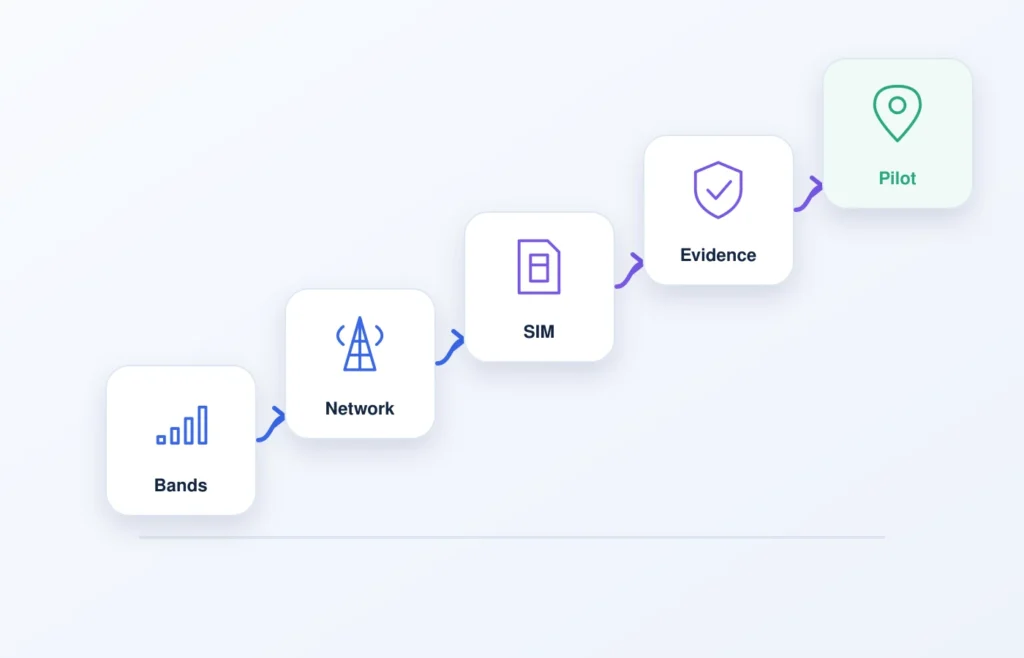
Acceptance testing should use the exact watch, firmware, network, interface and platform configuration intended for deployment.
| Test | Input or condition | Expected result |
| Valid SOS | One approved trigger | One correctly routed event with expected identity, timestamps and initial state |
| Duplicate delivery | Same event delivered again | No duplicate operational incident |
| Out-of-order update | Later version arrives first | State reconciles by the documented rule |
| Lost technical receipt | Receipt unavailable | Retry follows specification; no false receipt recorded |
| Channel outcomes differ | Voice, data or location differ | Each result remains separate and correctly correlated |
| Device or network interruption | Connectivity lost and later restored | Event remains visible and reconciles without silent loss |
| Stale or unavailable location | No acceptable current position | Alert continues and location is labeled accurately |
| Restart during active event | Watch restarts before closure | Incident remains and recovery rule is applied |
| Invalid authentication | Expired or invalid credentials | Request rejected and logged |
| Cross-tenant access attempt | Unauthorized tenant requests data | Access rejected without exposure |
| Interface outage and recovery | API or platform becomes unavailable | Queued events reconcile according to specification |
| Version change | New firmware or payload version | Compatibility is accepted or rejected deliberately |
| Complete state audit | Event is acknowledged, assigned and closed | Actors, times, transitions and disposition are reconstructable |
Each test should produce objective evidence such as event IDs, timestamps, logs and platform audit records.
Questions to Send a Wearable Supplier
- Which interface methods are supported for the exact model and firmware proposed?
- Can you provide the current event catalogue, field definitions, state definitions and representative sample messages?
- How are device time, server time, sequence, event version and location time represented?
- What constitutes technical receipt, and how are retries, duplicates and out-of-order updates handled?
- Can alert, voice and location activity be correlated, and which status values are exposed?
- Which battery, connectivity, firmware, configuration and relevant fault states can the platform receive?
- How are devices authenticated, tenants separated, interface versions managed and changes communicated?
- Is there a sandbox, simulator or test-device environment, and who supports faults across the device, connectivity, cloud and interface layers?
Treat Integration as a Testable Contract
A medical alert watch integration is ready for deployment when the service can reconstruct an event from device trigger to final disposition without confusing technical delivery, human acknowledgement and completed response.
The contract should define identity, time, states, retries, ordering, location, voice correlation, device status, security and version control, then prove those rules under normal and failed conditions.
WearIntell works with medical alert providers, telecare platforms and systems integrators on connected safety watch projects involving hardware, firmware, cellular connectivity and platform integration.
Discuss your monitoring platform requirements: provide your platform type, preferred interface method, required events, voice and location workflow, hosting region, security requirements, pilot quantity and expected deployment volume.
FAQs
What data should a medical alert watch send to a monitoring platform?
The minimum normally includes an event ID, device and program identifiers, event type, device-created time, server-received time and the states required to process the incident. Battery, connectivity, location, firmware and voice-correlation data may also be needed where supported.
What is the difference between technical receipt and human acknowledgement?
Technical receipt means a defined remote system accepted the event. Human acknowledgement means an authorized person or approved workflow accepted responsibility. Neither state alone proves that the response was completed.
How should a platform handle duplicate or delayed events?
Use a stable event ID, idempotent processing and a documented ordering or reconciliation rule. A repeated delivery should not create another operational incident unless the approved event definition specifically requires one.
Does a medical alert watch integration require HL7 FHIR?
Not necessarily. FHIR may be relevant when approved data must enter a healthcare information system, but the watch-to-monitoring-platform interface should first implement the event contract required by the service.
What should an end-to-end integration test cover?
Test normal SOS delivery, duplicates, out-of-order updates, lost receipts, connectivity interruptions, different voice/data/location outcomes, stale location, authentication, tenant isolation, interface recovery, version compatibility and the full event-state audit trail.