
Wearable device provisioning should establish a device’s identity, verify its communications, enroll it with the intended platform, assign it correctly and prove the required service works. A watch that powers on, pairs successfully or has an active SIM has completed only part of that work. For a deployment team, the useful question is whether this particular unit is authorized and ready for its assigned role. The workflow below connects factory configuration to field acceptance, with evidence at each handoff and a recovery route when something fails.
What Does Provisioning Mean for a Wearable Device?
Provisioning means preparing a particular device for authorized use in a particular deployment. Treat it as a collection of related activities:
- Manufacturing configuration establishes the released hardware, firmware and permitted settings.
- Network onboarding establishes the device’s authorized network access, where applicable.
- Subscription activation enables the contracted cellular service.
- App pairing associates the wearable with a companion phone when the design requires one.
- Platform registration creates or verifies the device’s backend identity.
- Assignment connects that identity to the correct organization, fleet or wearer.
A project may combine some activities or omit those its architecture does not need. Do not assume every wearable has an eSIM, companion app, certificate, QR code or remote management service. SIM and eSIM planning addresses a connectivity choice within this wider lifecycle.
A connected watch is ready for a care program only after its authorized identity, assignment and required service behavior have also been accepted. Establish separate status fields for these outcomes rather than calling every powered or reachable device “active.”
What Must Be Ready Before Provisioning Starts?
Start with a controlled deployment record. Identify the SKU, hardware revision, supported firmware, unique device identifier, allowed configuration and intended communication route. Name the destination platform, customer account or tenant, authorization model and operational owner. Define acceptance tests before units arrive, including what happens when a step fails.
Record which identifier each system uses. A device serial number, subscription identifier and backend record may need an explicit mapping; do not assume they are interchangeable. Treat nonsecret identifiers separately from credentials. Restrict even nonsecret records when they expose wearer associations. Keep passwords, enrollment tokens and private keys out of ordinary spreadsheets, email threads and diagnostic exports.
Agree responsibilities by project. The manufacturer or firmware team should identify the delivered configuration and device-side requirements. The connectivity partner should confirm subscription responsibilities. The backend team should define enrollment and permissions. The fleet operator should own assignment and operational acceptance. Name a contact for resolving failures between those teams.
Document how the selected system establishes trust and authorizes enrollment, using only mechanisms the device and platform support.
Prepare an authorized test account and a privacy-safe assignment procedure. Use synthetic wearer records where possible. Agree who may view or correct a mapping, what evidence may be retained and how deployment staff will identify the approved record.
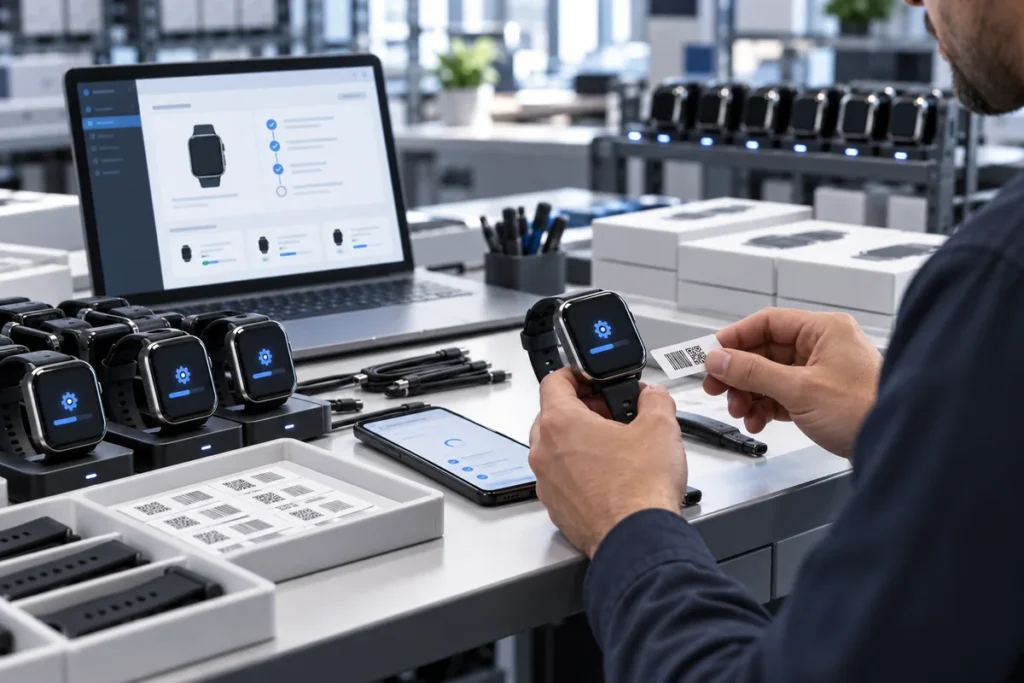
How Should the Provisioning Workflow Proceed?
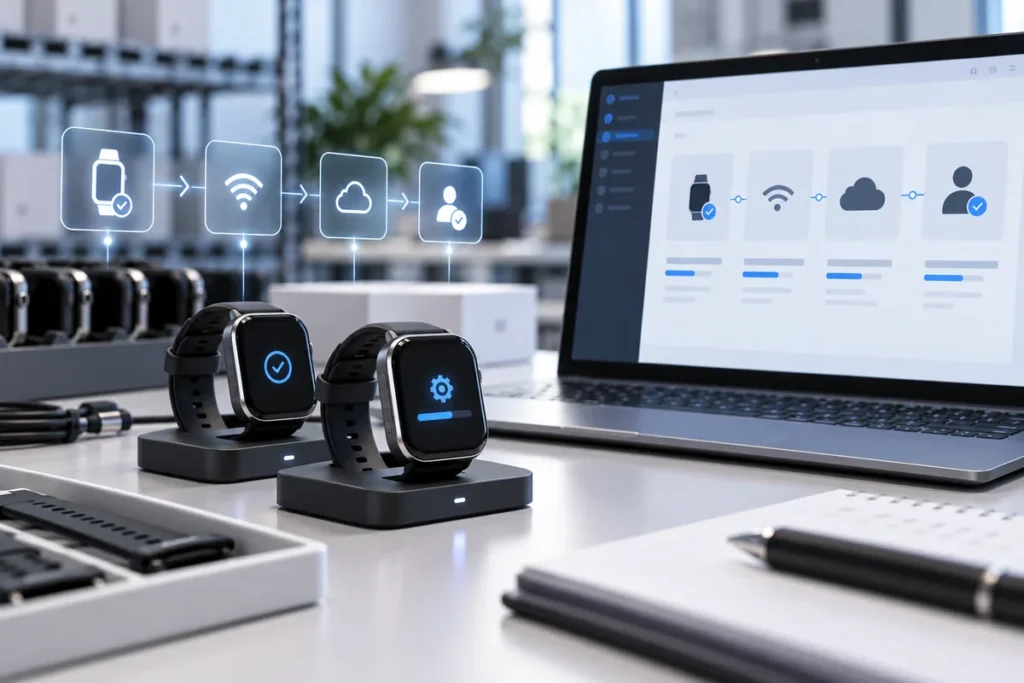
Use these five stages to agree outcomes, evidence and failure handling with the responsible teams.
- Confirm identity and configuration. The expected result is one physical unit matched to its approved record. Compare the device’s available identifier, hardware revision, firmware and permitted settings with the release manifest. Example evidence is a recorded release check against that manifest, tied to the device identifier and configuration. A duplicate identifier, unexpected firmware or mismatched label should stop this unit’s enrollment until the discrepancy is resolved.
- Verify required communications. Establish the communication route specified for the project: cellular service, a Bluetooth companion app, Wi-Fi or a gateway. Record evidence of the required connection and a permitted data exchange. An installed SIM is insufficient evidence of successful activation. Possible failures include an incomplete subscription, missing app permission or unavailable gateway. Keep network troubleshooting within the agreed connectivity scope.
- Enroll securely with the intended system. The expected result is an authorized backend identity associated with this unit. Confirm the destination environment and use its approved enrollment method. A platform acknowledgment and matching device record can provide evidence without exposing secrets. An expired credential or an enrollment in a test environment can leave a reachable watch unavailable to production. Define enrollment interfaces through smartwatch API and SDK integration.
- Assign the correct operational context. Verify the customer tenant, facility, fleet and wearer as applicable. Evidence should demonstrate that authorized staff can see the correct unit in the correct account, with only the necessary wearer information. For example, a hypothetical watch may report online yet appear under Facility B instead of its intended Facility A; that unit fails release until the authorized team corrects the mapping. Verify the corrected assignment before testing wearer-specific functions.
- Complete end-to-end acceptance. Exercise the agreed telemetry, event, command or voice/SOS feature, where supported. Record the trigger, device identity, destination and observed outcome. A transmission acknowledgment alone does not confirm that the intended operator received and recognized the result. Use an agreed test route for safety functions; do not send an unannounced emergency alert. Missing delivery or an unconfirmed destination should hold acceptance.
In a hypothetical telecare fleet, the operator might reserve a test wearer record, enroll a watch and check a supported help event with its own nominated response service. The operator then confirms the event against the assigned unit before authorizing handover. This illustrative workflow does not assume that WearIntell runs a response center or clinical service.
What Happens When Provisioning Fails or a Device Is Reassigned?
Recovering From Failed or Partial Enrollment
Keep the last confirmed state visible. An offline device, incompatible firmware, incomplete activation or partially created backend record needs a specific diagnosis; repeating the entire sequence can obscure which step failed.
Before retrying, check whether the first request already created a record or assignment. Retry only when the operation’s behavior is understood and the failed condition has been corrected. If enrollment partially succeeded, decide whether to complete that record or reverse the affected changes. Do not create another identity simply to bypass an error.
For duplicate IDs or wrong-tenant assignments, isolate the affected records and have the responsible team reconcile them. For invalid or expired credentials, use the authorized renewal or replacement process. Preserve useful timestamps, error codes and state transitions while excluding credentials and unnecessary wearer data from logs.
Reassigning and Retiring a Wearable Safely
Reassignment needs its own authorization. Remove the previous wearer’s access and association as appropriate, revoke credentials or permissions that should no longer work, then establish and test the new assignment. Decide separately what records must be retained and who may access them. Do not erase device data or remotely wipe a fleet without a controlled authorization and retention policy.
Returns and replacements also need closure: identify the returned unit, deprovision its access where required, reconcile its subscription and records, and accept the replacement under its own identity. A bench test may establish technical recovery; the operational owner must still confirm the correct destination and handover before restoring service.
What Should a Team Verify Before Rollout?
Use a shared acceptance matrix tied to the deployment record. The following entries are proposed criteria, not reported test results. Record the actual result and evidence reference for each applicable item; mark exclusions with a reason and approver.
For remote patient monitoring wearables, acceptance should verify the program’s required measurement delivery and confirm the operational handover before release.
Wearable Provisioning Acceptance Matrix
| Stage | Pass condition | Evidence/owner |
|---|---|---|
| Identity and account mapping | Physical unit matches one approved device record and intended account | Manifest and account check; deployment lead |
| Firmware and configuration | Hardware/firmware combination and settings match the release | Configuration record; firmware owner |
| Communications | Required permitted connection and exchange work | Connection test; connectivity owner |
| Assignment | Correct tenant and wearer; permissions verified | Authorized mapping check; fleet operator |
| Event or data delivery | Agreed result reaches and is recognized at its intended destination | Test record; platform and operational owners |
| Failure handling | Retry, rollback and replacement responsibilities are accepted | Recovery procedure; deployment lead |
| Traceable acceptance | Unit, date, results and release decision can be retrieved | Acceptance record; quality or release owner |
Release a batch only when its agreed acceptance scope is complete, operational ownership is confirmed and unresolved exceptions have an authorized disposition. Hold affected units when identity, permissions or required delivery remain uncertain. Keep the decision tied to the tested configuration so a later firmware or assignment change can trigger a proportionate review.
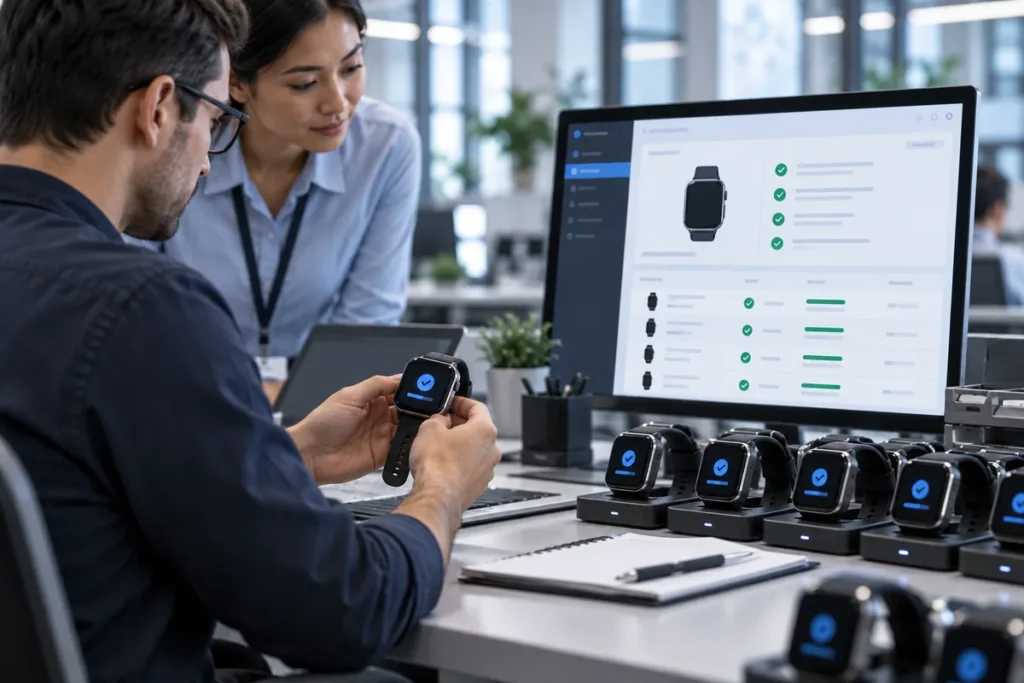
For an ODM integration discussion with WearIntell, bring the proposed device configuration, platform architecture and deployment acceptance requirements. Confirm responsibility for each handoff before committing to rollout.