Device Data Exchange
Connect supported location, health, activity and device-status data with your platform.

Connect WearIntell smartwatches with your app, cloud or monitoring system to receive device data and alerts and send supported commands.
Our smartwatch API integration connects supported device data, alert events and commands with the platforms your teams already use—from mobile apps and cloud services to telecare and monitoring systems.
Connect supported location, health, activity and device-status data with your platform.
Deliver SOS, fall and other supported events to telecare or monitoring workflows.
Exchange supported commands, configuration data and device-status updates.
Connect through a mobile SDK, cloud API or custom platform integration based on your application architecture, data workflow and deployment requirements.
Connect supported smartwatch functions with your existing Android or iOS application.
Exchange supported device data, events and commands with your cloud or backend environment.
Adapt smartwatch workflows to telecare, RPM, monitoring or device-management systems.
Connect wearable data, alerts and supported device controls with your app, cloud or monitoring platform through flexible API and SDK options.
Bring alerts, GPS location, device status, health data and activity data into your application or backend system.
Send supported commands, remote settings and configuration changes from your platform to connected devices.
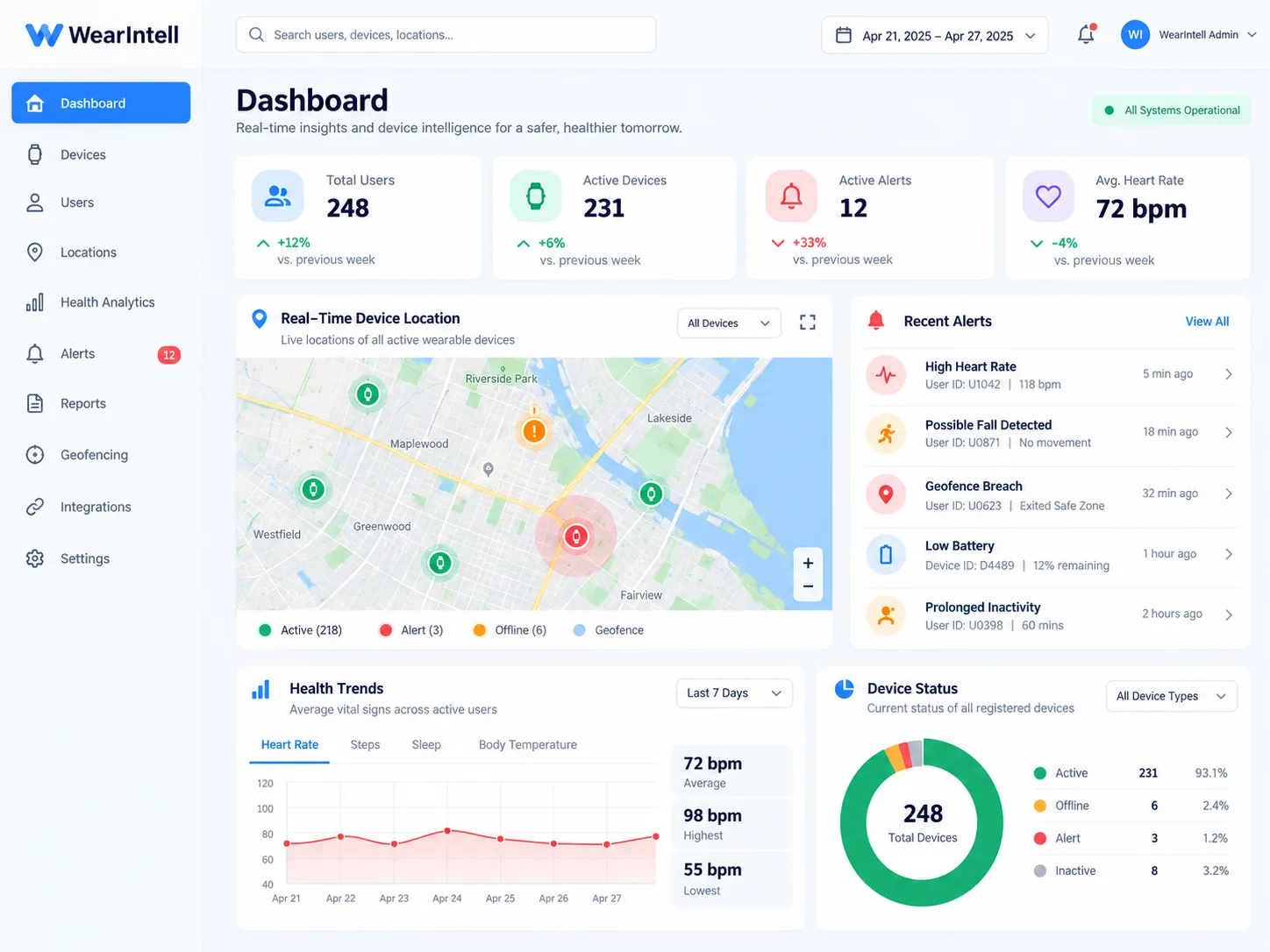
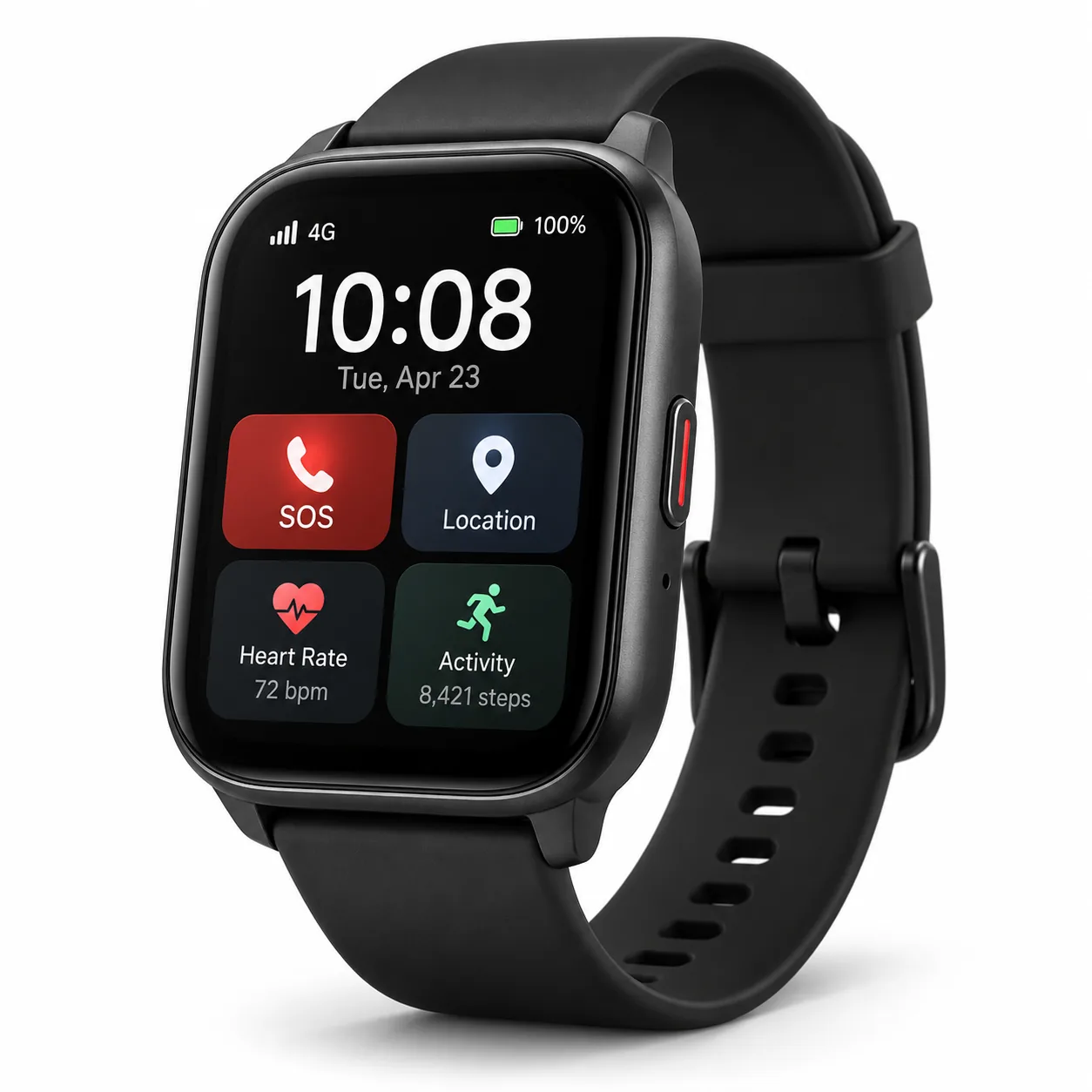
Get API documentation, interface mapping, test data, logs and joint debugging throughout implementation and validation.
Move from requirements review and interface mapping to development, testing and deployment with technical support throughout the integration process.
An SOS or supported device event starts the alert.
Event, device, time and location details are captured.
Alert data is sent through the configured API or SDK connection.
Your platform receives the alert and applies your configured workflow.
Your team or service system follows the appropriate response process.
See what WearIntell handles, what we work on together, and what stays with your platform team.
We support the wearable and agreed device-side integration work.
Our teams work together to define how the wearable and your platform connect.
Your team manages the platform, business rules and customer-side environment.
Move from initial requirements to a tested integration and pilot deployment through a clear project process.
Review the device, system, data, commands and intended workflow.
Initial scopeConfirm fields, events, permissions and technical responsibilities.
Interface definitionComplete the agreed device-side and platform-side integration work.
Ready to integrateVerify data, commands, alerts and operational workflows together.
Tested integrationMove the approved integration into pilot use and deployment preparation.
Deployment readyValidate device events, data exchange, alert delivery and platform responses before deployment.
Prepare the integration for everyday operation, exceptions and future updates before rollout.
Share the information you already have. We can clarify open technical questions during the initial review.
Which wearable and functions does your project need?
What app, cloud or monitoring system will the wearable connect to?
What alerts, location or device data needs to be exchanged?
Does your platform need to send commands or settings to the device?
What should happen after an alert or event reaches your platform?
Where will you deploy, and what pilot or volume do you expect?
Share your requirements with our team and explore the right integration approach for your project.
Let’s Have A Chat