
When a safety program asks what watches have fall detection, the useful answer is a map of device categories rather than a list of consumer models. Consumer smartwatches, dedicated fall detection watches, medical alert watches, elderly safety watches, and GPS safety wearables can all provide a fall-related trigger. Their larger differences appear after that trigger: phone dependence, standalone connectivity, SOS backup, location, two-way voice, caregiver notification, platform integration, and response ownership. The appropriate category is the one whose response architecture fits the users and the organization expected to act.
Consumer Smartwatches With Fall Detection
Consumer smartwatches are multipurpose devices built around daily communication, fitness, apps, and a personal account ecosystem. Fall detection may be one safety function among many, with alert behavior tied to the selected model, paired phone or cellular option, user account, cloud service, subscription, country, and software version.
They suit individuals who already manage the required ecosystem. Care providers that need centralized onboarding, controlled routing, fleet visibility, or platform integration must confirm that the consumer service can support those requirements rather than inferring them from the feature name.
Dedicated Fall Detection Watches
A dedicated fall detection watch is designed around automatic fall-like event detection and the actions that follow it. Depending on configuration, it may provide a wearer prompt, cancellation window, manual SOS backup, location reporting, voice communication, and an alert sent to a caregiver or platform.
The main difference from a general smartwatch is priority. The product and service are planned around safety workflows rather than adding fall detection to a broader consumer feature set. Product teams can define the alert destination, firmware behavior, user interface, communication route, and backend integration around a specific program.
Even within this category, capabilities are not universal. A dedicated fall detection watch may be phone-dependent, standalone cellular, Wi-Fi-assisted, or hybrid. Detection, wearer interaction, alert delivery, location, voice, and acknowledgement remain separate functions. Automatic detection also does not replace manual SOS; they are two different ways to begin a safety event.
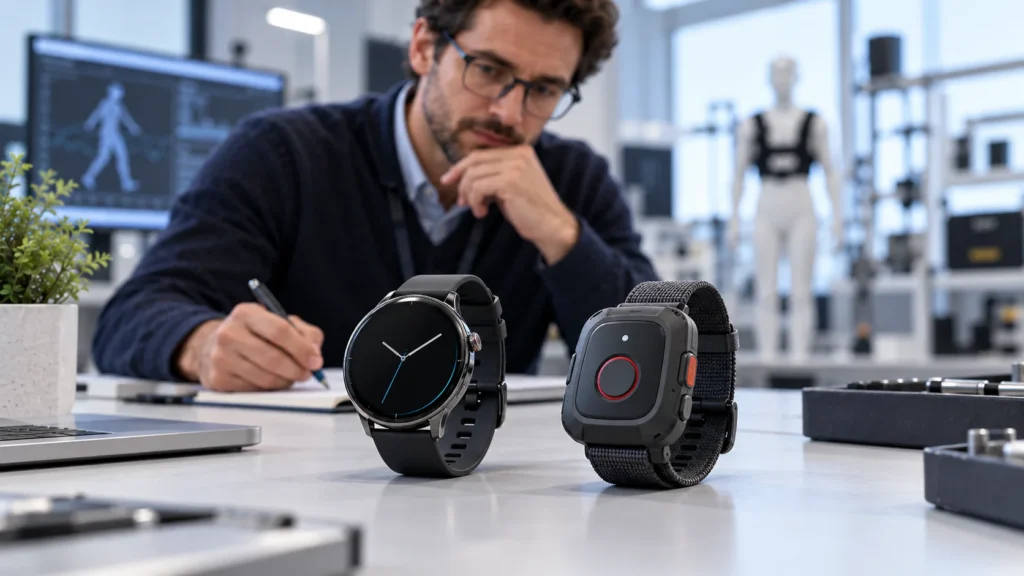
Medical Alert Watches With Optional Fall Detection
A medical alert watch is organized around a managed response service. Manual SOS is often central, while automatic fall detection may be an optional trigger. The workflow can include two-way voice, location, a caregiver or monitoring-center queue, acknowledgement, incident records, and device-status visibility.
The phrase “medical alert” does not establish a particular regulatory status or response model. A medical alert watch has to be assessed as part of the intended service, including who receives, accepts, and owns an event.
Elderly Safety Watches
Elderly safety watches are designed around usability and caregiver connection for older adults. Depending on the project, they may combine simplified interaction, SOS, location, reminders, calling, caregiver notifications, and optional fall detection.
Their defining feature is not a fixed checklist. It is the senior-care context: readable interfaces, understandable prompts, charging routines, wearing support, and a caregiver workflow that reflects how the service is actually operated. A program may value an easy manual SOS button and family connection more than complex smartwatch functions.
Automatic fall detection remains one input. It cannot guarantee that every fall is detected, and it does not prove that a caregiver received or accepted an alert. Teams evaluating a smart watch for seniors with fall detection should examine the complete path from wearer interaction to caregiver ownership.
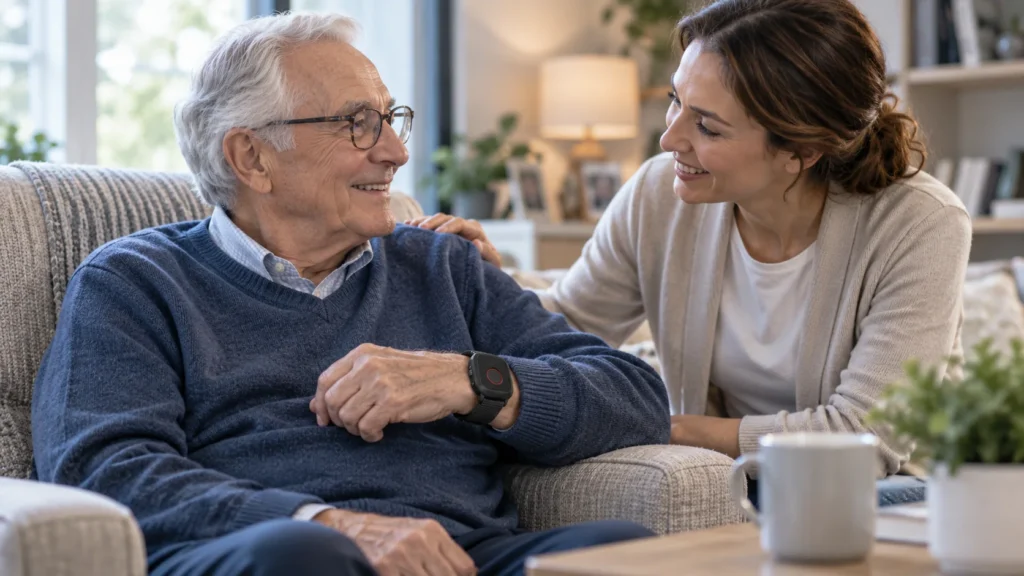
GPS Safety and Lone-Worker Watches
GPS safety watches are primarily designed around the location and status of mobile users. Fall-like event detection, no-movement rules, geofencing, and manual SOS may be added as triggers within a location-led safety service.
The user population and response owner often differ from elderly-care deployments. A lone-worker program may route an event to an internal security team, operations center, or contracted response service. It may also need outdoor location history, shift-based assignment, check-in workflows, and rugged operating requirements.
Location does not make the alert complete. The platform still needs the event time, location time, position status, communication state, and an identified responder. A watch can have a position but be unable to transmit it, or it can transmit an alert while a fresh position is unavailable. Safety teams considering GPS tracking and personal safety wearables need to test those states in the work environment.
Category Map: Compare the Response Architecture
Category labels are useful only when they lead to the right operational questions. The comparison below describes typical priorities, not guaranteed features.
| Category | Typical primary purpose | Connectivity and communication | Response workflow | Defining program question |
|---|---|---|---|---|
| Consumer smartwatch | General personal smartwatch use with optional safety features | May depend on a phone, personal account, cloud service, or model-specific cellular option | Usually configured by the individual within a consumer ecosystem | Can the selected model and market support the required emergency route? |
| Dedicated fall detection watch | Automatic fall-event workflow with manual SOS backup | May be standalone, phone-dependent, Wi-Fi-assisted, or hybrid | Caregiver, service platform, or monitoring endpoint depending on configuration | What happens after a suspected fall is confirmed? |
| Medical alert watch | Managed SOS and response service with optional fall detection | Cellular data and voice may be required; each must be validated | Caregiver, care team, or professional monitoring workflow | Who acknowledges, owns, and records the incident? |
| Elderly safety watch | Senior-friendly safety and caregiver connection | Depends on selected hardware, phone assumptions, and service design | Family or care organization with usability and charging support | Can the intended wearer and caregiver operate the complete routine? |
| GPS safety or lone-worker watch | Location-led protection for mobile staff or users | Often needs wide-area data, location reporting, and project-specific voice | Operations, security, or monitoring team | Does the device provide usable event and location states in the work environment? |
The boundaries can overlap at product level. An elderly safety watch may also be a dedicated fall detection watch connected to a medical alert platform, while a GPS safety watch may use similar sensors but route events to a workplace response team. Classification should follow the primary service context and configured response path, not the shape of the enclosure or a single feature name. The table describes those primary roles; it is not a set of fixed product or regulatory labels.
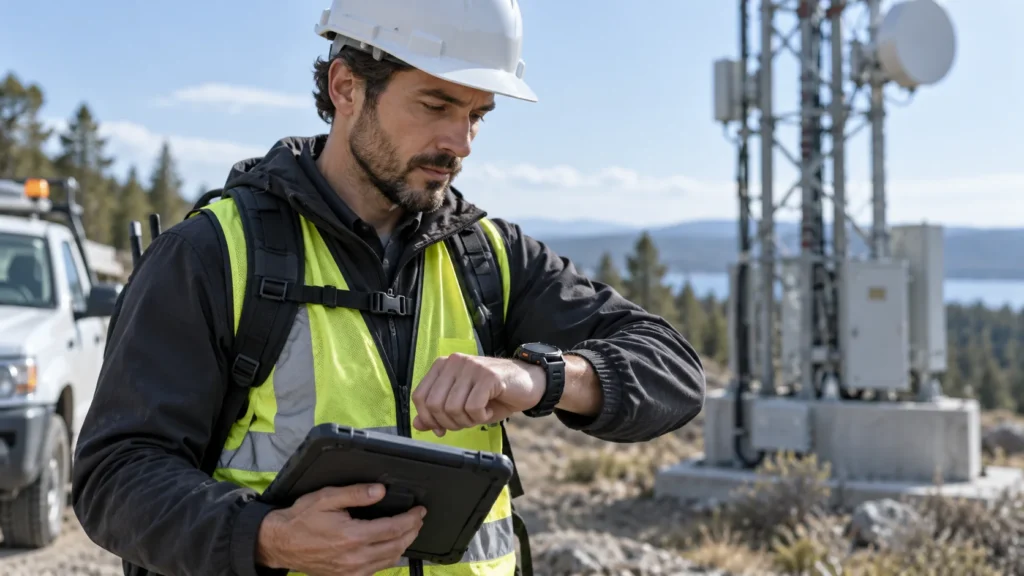
How the Response Architecture Changes
Phone dependence is the first dividing line. A consumer smartwatch may use a paired phone or personal service, while a dedicated safety watch may be designed for standalone cellular operation. Standalone appearance alone proves nothing: modem, subscription, operator support, firmware, and backend configuration determine whether the watch can actually send an event or place a call.
The trigger path also differs. Automatic fall detection begins with sensor and algorithm behavior, while manual SOS begins with a deliberate wearer action. They can share later steps but remain separate triggers. The sensing process and its limitations are explained in how fall detection works in a watch.
Location, two-way voice, and caregiver notification add information or communication to the event; they do not establish ownership by themselves. A response service still needs to define the first recipient, what information arrives, what counts as acknowledgement, and who remains responsible until the event is resolved. Monitoring-platform integration becomes important when those states must be shared across devices, staff roles, and incident records.
Identify the Appropriate Category for a Professional Project
Start with the response owner. A self-managed individual may fit a consumer ecosystem, while a program that routes events to family, care staff, or a monitoring center is more likely to need a dedicated safety or medical alert architecture. Workplace events usually require a separate operations or security workflow.
Next, establish how independent the device must be. A paired-phone design can be suitable where the wearer reliably carries and maintains the phone. A standalone program needs cellular and backend behavior that has been proven for the launch market, including the required alert, voice, and location paths.
The wearer and environment then narrow the category. Senior-care services may prioritize readable prompts, simple SOS, caregiver involvement, and supported charging routines. Lone-worker services may place more weight on wide-area location, shift assignment, check-ins, ruggedness, and an operations queue.
Finally, map acknowledgement, platform integration, charging, device status, replacement, certifications, claims, and operator responsibilities. The result may cross category boundaries: a purpose-built elderly safety watch can operate within a medical alert service, while similar sensors can support a different response owner in a lone-worker program. The map clarifies the operating model rather than forcing the project into one marketing label.
Choose the Response Model First
Many watches can provide a fall-related trigger, but the category decision should start with what must happen next. Define the responder, connectivity, SOS backup, location, voice, notification, acknowledgement, and platform requirements first; then evaluate specific hardware within the category that supports that model.
A WearIntell category review can match the target users and response model before specific hardware is selected.